
To turn an HTML project ZIP into an APK on your phone, extract the ZIP first, then import the extracted folder through Advanced Build. The current app imports web folders; its separate Pro ZIP-import menu restores the builder’s own project backups, not arbitrary HTML archives.
Prepare a browser-ready project
A simple, predictable layout is:
index.html
css/style.css
js/app.js
images/logo.png
Reference the files from HTML using css/style.css, js/app.js and images/logo.png. Use paths relative to each document. A leading / points to the web origin root and can behave differently when an entry page sits inside a subfolder.
Export the production web output first when your original project uses a build tool. A package.json file and framework source code alone are not the final web app.
Import and preview
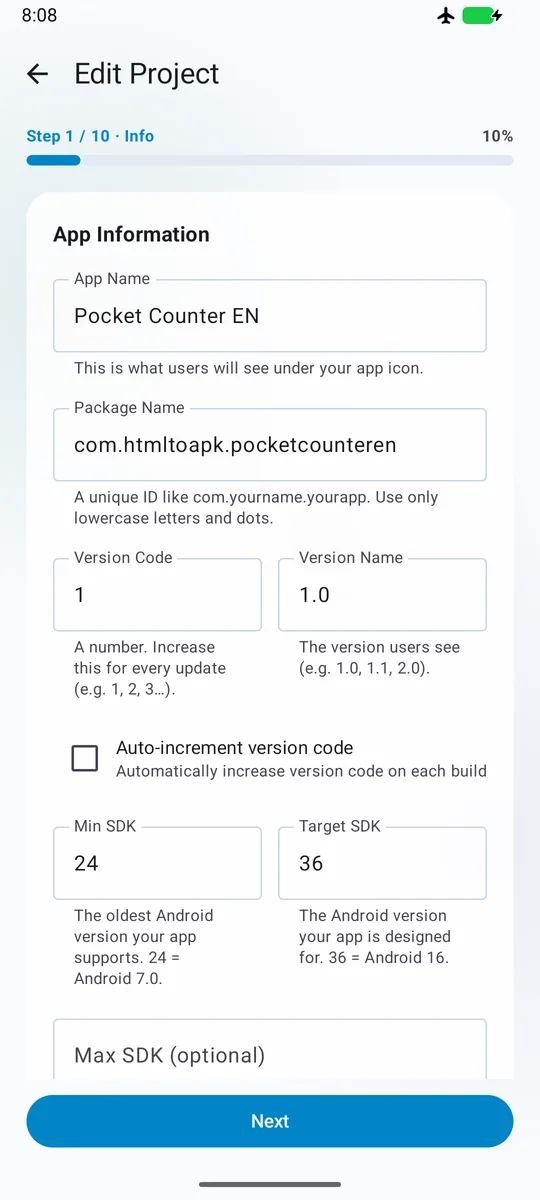
- Open Create Project → Advanced Build and fill in the app information.
- Use your phone’s file manager to extract the ZIP into a normal folder.
- On Content, select Project Folder → Select Project Folder and grant access to that extracted folder using Android’s picker.
- Review imported files and preview the opening page.
- Complete the remaining steps and choose Build APK on Output.
The current importer prefers a root index.html. Otherwise it chooses the shallowest index page, then the shallowest HTML page, with a consistent alphabetical tie-break. A wrapper folder is not automatically a fatal error, but selecting the folder with index.html at its root makes the result easy to understand. If Android will not allow selecting the Downloads root, create/select a project subfolder instead.
Examples of broken packaging
Only HTML was included: index.html links to css/style.css, but the CSS folder was left outside the ZIP. Add the missing folder.
Computer-specific paths: C:\project\images\logo.png and /Users/me/project/... do not exist on the phone. Replace them with relative URLs.
Wrong filename case: Logo.png and logo.png are different names. Match the references exactly.
Development output: a page references localhost:5173. Export static browser-ready files and remove development-server references.
Server-side code: PHP files will not execute inside WebView. Host the backend and use an online connection, or redesign the functionality for the browser.
Project backup ZIPs are different
The Projects menu’s Pro import action expects a project backup exported by HTML to APK Builder. A raw archive containing only HTML/CSS/JS is not that backup format. Do not use the backup importer for an ordinary web ZIP; extract it and select the folder instead.
Limits and offline checks
The folder importer has safeguards of 20,000 files and 500 MiB total. Device memory, free storage and content complexity can impose practical limits before those ceilings. Hidden/system files are skipped.
Test links between pages, images, custom fonts and navigation after installation. Switch the network off to discover any unbundled CDN or API dependencies. For an installable result, use APK; AAB output requires Pro and a separate store workflow.
For a single self-contained page, pasting HTML is simpler. Get the builder on Google Play.