
THE OFFICIAL ANDROID APP
Your HTML. Your Android app.
Paste your HTML, CSS and JavaScript, preview your app, and build an APK directly on your Android phone. No computer needed.
Start with the free APK workflow. AAB and selected advanced features require Pro.
01 / CODE TO APP
From an idea to an installed app.
Already have HTML code? You have what you need to start.
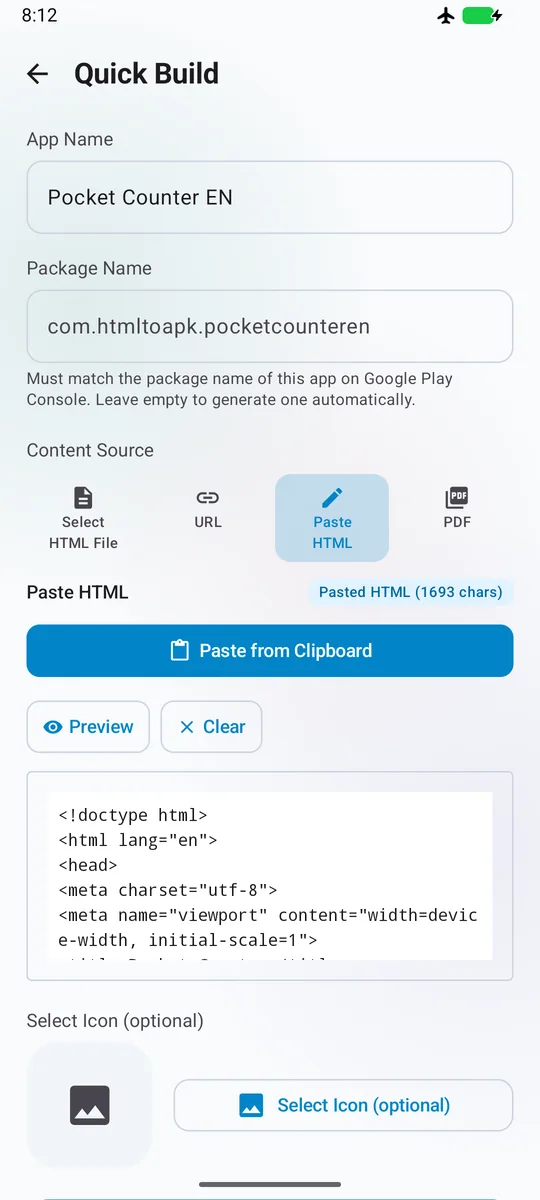
Paste your code
Use Quick Build for a single page, or open the HTML editor to refine your code.
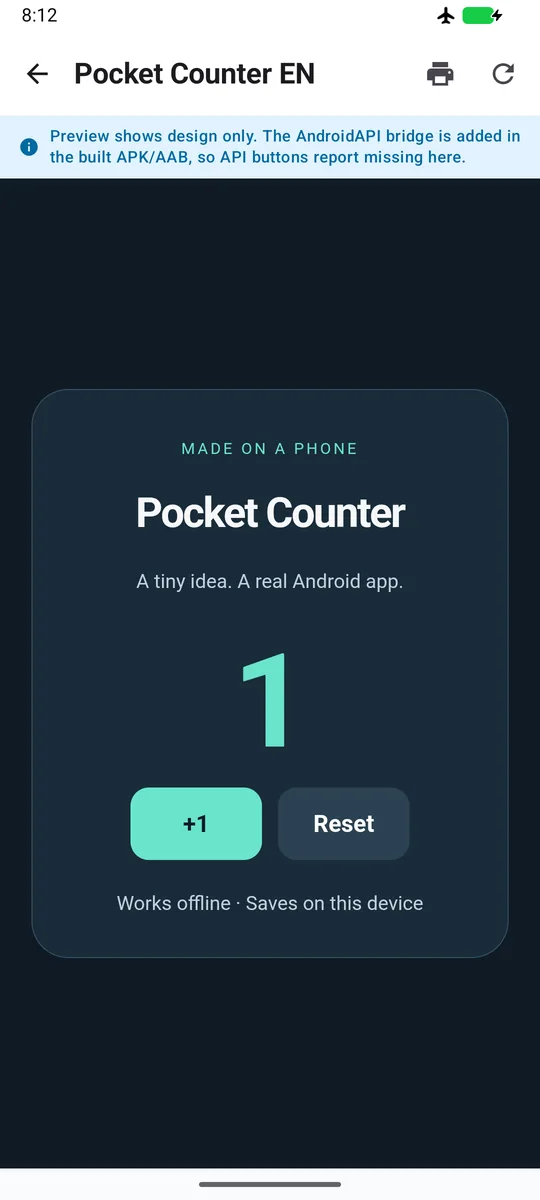
Preview your app
Try your buttons, layout and JavaScript before creating the Android package.
Build your APK
Name your app, create the signed APK and install it on your phone.
02 / YOUR STARTING POINT
Bring the project you already have.
One HTML page or a whole web project. Choose the right starting point.
HTML → APK
Paste your code or select one HTML file.
Read the guide02ZIP / Folder → APK
Extract the ZIP on your phone, then import its folder.
Read the guide03Website → APK
Open your live website in an app. Internet required.
Read the guide04HTML → AAB
Create a bundle for the Google Play workflow with Pro.
Read the guide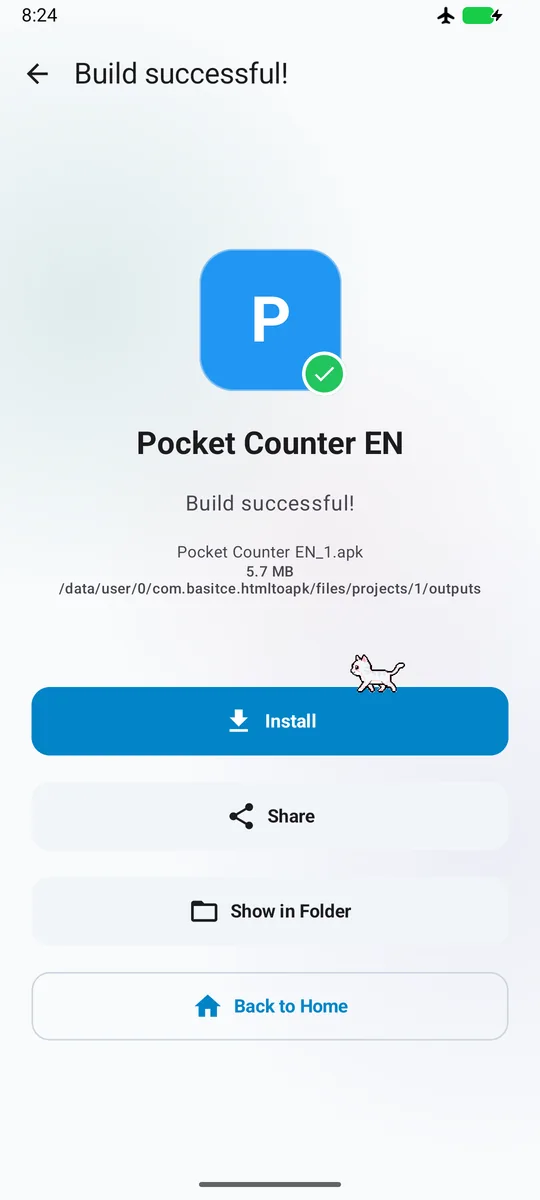
03 / MAKE IT YOURS
Make it feel like your app.
Go further with app appearance, WebView settings, Android features and Pro tools.
- Icons, appearance and splashUse your own images; explore splash and advanced options with Pro.
- Android capabilitiesCamera, location, files, sharing and more, with feature-specific access and permission requirements.
- Signing and rebuildingProduce the APK on-device. Preserve the package and key for future updates.
04 / AI APP BUILDER
Start with a description, too.
Describe an app, review the generated HTML, and continue editing it as a local project. AI uses an account, internet access and credits; it is separate from local APK building.
Read the AI guide ↗05 / Guides
A guide beside every step.
Practical instructions, real app screens and examples you can try on your phone.
How to convert HTML code to APK on Android without a PC
Paste HTML, preview JavaScript, create a signed APK and install it on your Android phone. Includes a working offline example.
Read the guide02 / GuidesWrite and preview HTML on Android
Use the built-in HTML editor for syntax highlighting, search, undo/redo and preview before converting a document to an app.
Read the guide03 / GuidesBuild HTML apps that work offline
Understand local packaging, remote dependencies and storage. Test an HTML APK in airplane mode before sharing it.
Read the guide04 / GuidesAPK signing, keystores and app updates
Keep package identity and signing keys consistent. Learn the difference between building a signed APK and managing a release key.
Read the guide06 / FAQ
A few things to know first.
Can I make an APK with only an Android phone?
Yes. HTML to APK Builder packages and signs supported HTML projects on your Android device. You do not need a computer or Android Studio for this workflow.
Can I paste HTML code directly?
Yes. Choose Create Project → Quick Build → Paste HTML, then preview and create the APK. Use embedded CSS and JavaScript for a self-contained page.
What can I do for free?
The basic APK workflow is free, with up to five saved projects of each type (apps, HTML documents and PDFs). Free generated apps include branding. AAB and selected advanced capabilities require Pro.
Does it work offline?
Local content can work offline when all required files are bundled and the features do not need a server. A URL wrapper, remote API, CDN or AI generation still needs internet.
Can I use separate HTML, CSS and JavaScript files?
Yes. Extract the ZIP first, then import its complete project folder through Advanced Build and keep relative asset paths intact. Opening only one HTML file does not automatically import its neighbours.
Can it create AAB files?
Yes, using Pro and Advanced Build. An AAB is intended for a store workflow and cannot be installed directly like an APK. Store acceptance is a separate process.
Have the code? Make it an app.
Download HTML to APK Builder and follow the first guide.